











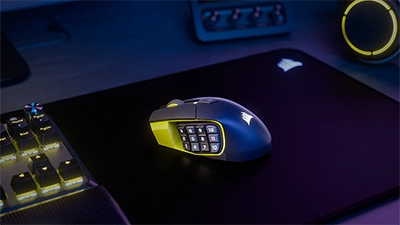
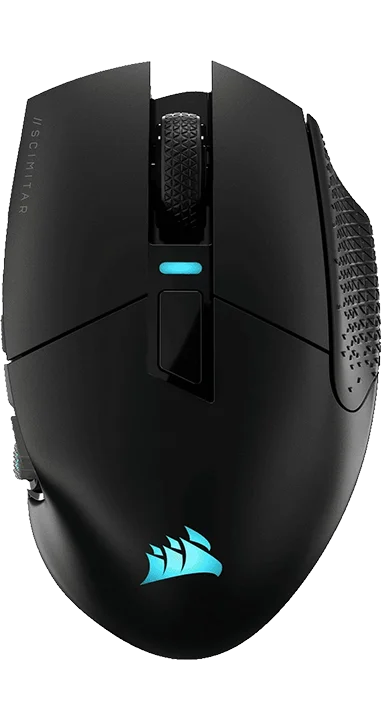
Corsair Scimitar Elite Wireless Se
Recommended Games:
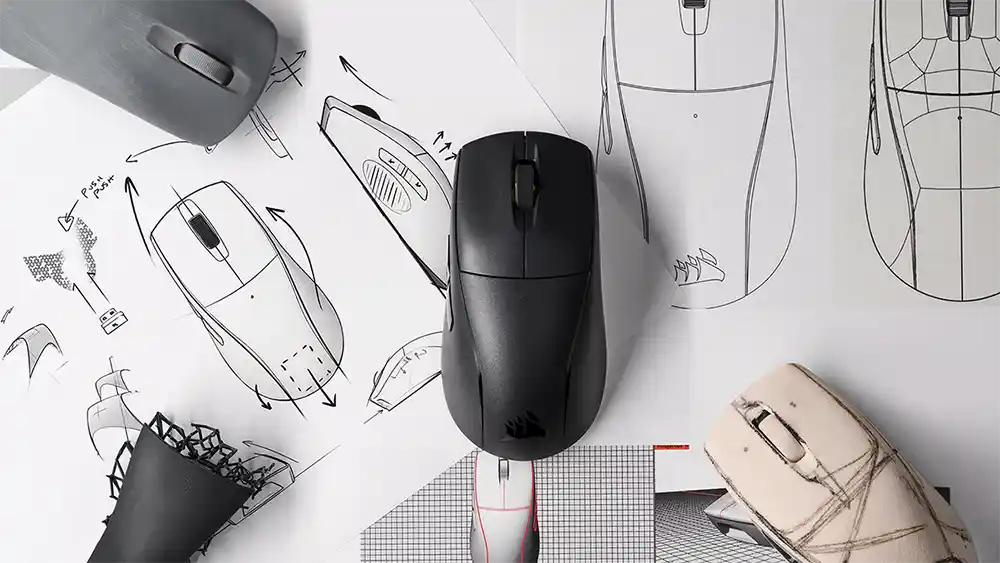
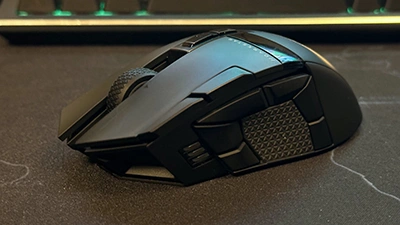
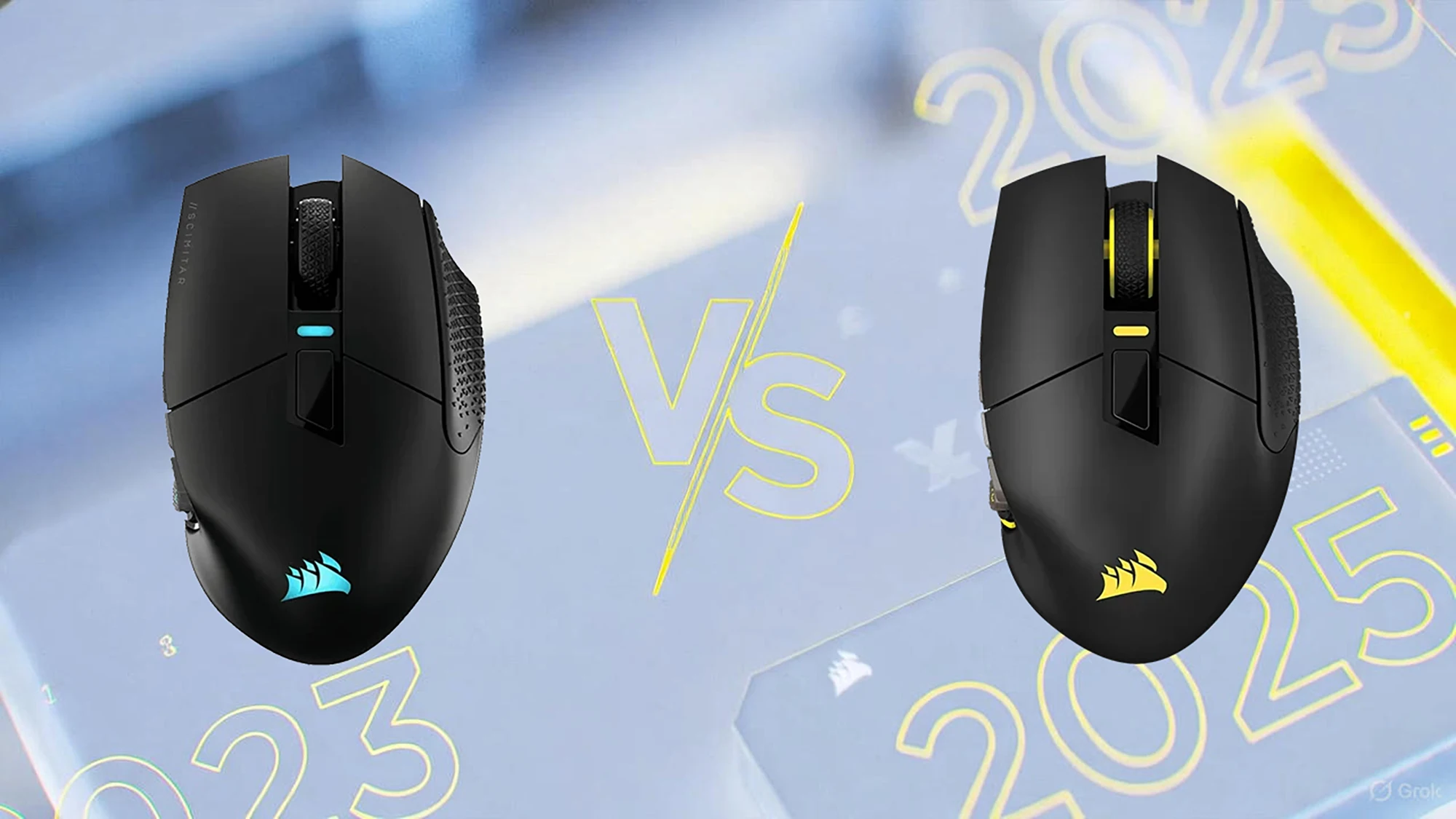
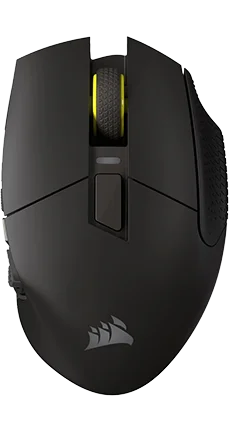
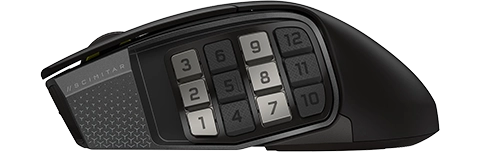
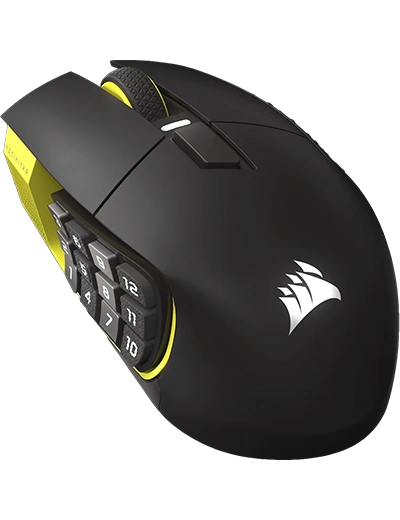
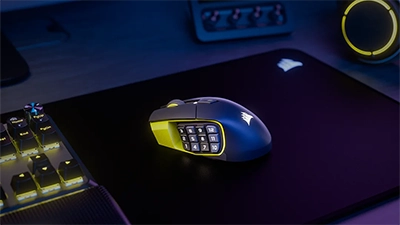
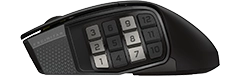
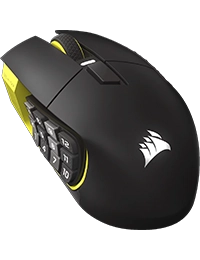
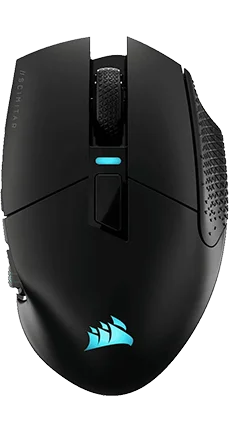
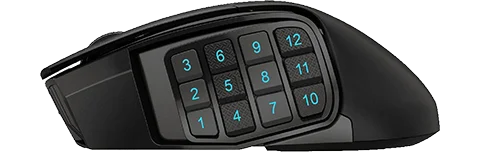
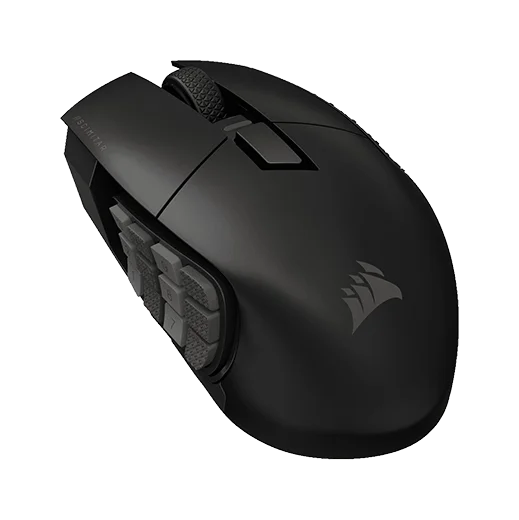
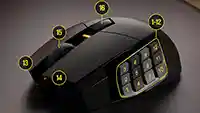
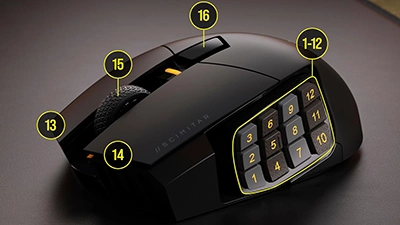
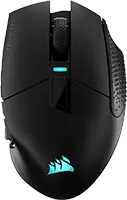
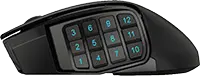
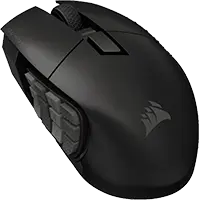
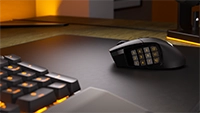
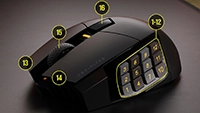
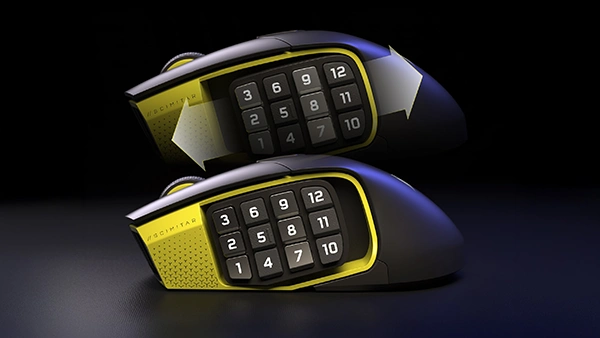
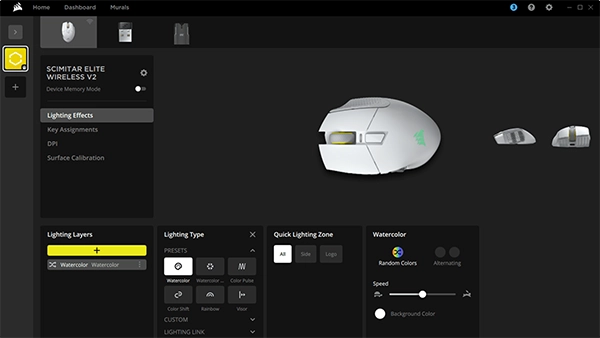
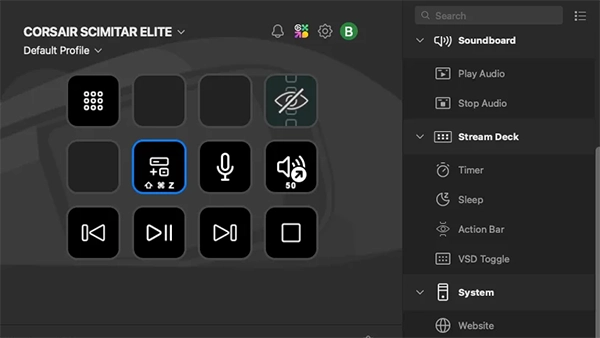
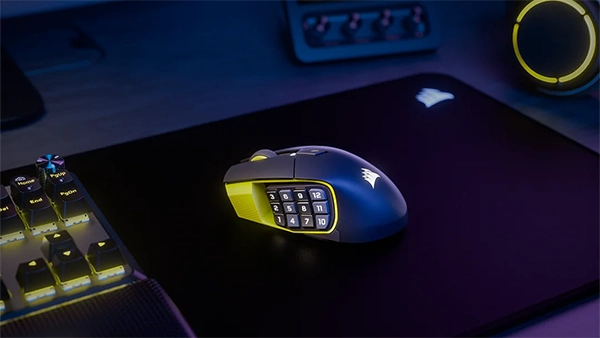
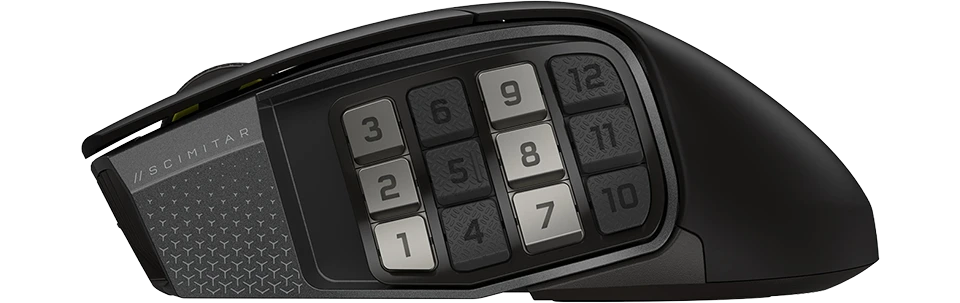
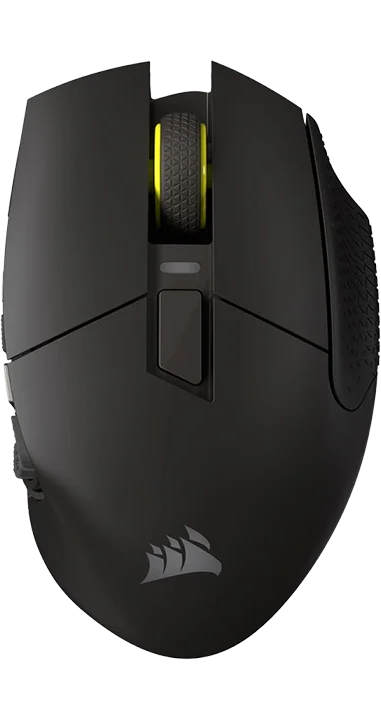
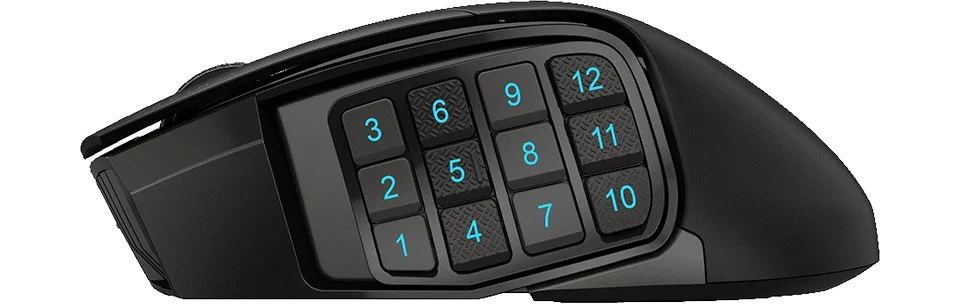
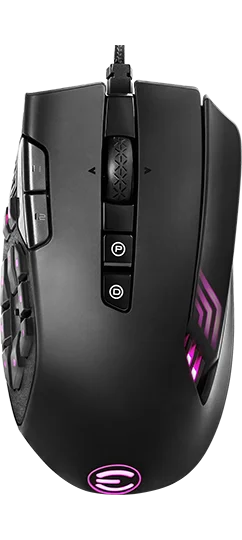
The Scimitar Elite Wireless SE is a big, comfortable MMO-first mouse that trades esports-style lightness for stability, buttons, and battery life. You get 16 programmable inputs, an adjustable 12-button thumb pad, Corsair’s upgraded 33K sensor, and optical main switches, so rotations, hotbars, and streaming-style macros all feel fast and dependable. At 114 g and a premium price it’s overkill for casual shooters, but if you live in MMOs, ARPGs, or macro-heavy work apps and want a single wireless mouse that can juggle all of those roles, this is one of Corsair’s most capable MMO-focused designs right now.
Best Deals
Affiliate Notice: This page contains affiliate links. If you buy through them, we may earn a commission. As an Amazon Associate, we earn from qualifying purchases. Learn more.
Performance Breakdown ?
Build
SensorWhat is a Sensor? A sensor in a gaming mouse is the component responsible for detecting movement and translating it into cursor movement on your screen. Different sensors like PMW, PAW, Hero, and others vary in technology and performance metrics.Distribution:
Each bar shows how many products received that score; the highlighted bar is this item’s score.01/2012 05/2025Why Does It Matter? The type of sensor directly affects the tracking accuracy, speed, responsiveness, and sometimes power efficiency of a mouse. High-quality sensors can provide a competitive edge by ensuring precise cursor control, which is crucial in gaming for accuracy in aiming or quick movements.Common Sensors:PMW (PixArt Maximum Performance Wireless): Known for high performance in wired setups, offering excellent tracking precision and speed.PAW (PixArt Adaptive Wireless): Focused on power efficiency, ideal for wireless mice, with good tracking capabilities and speed.Hero (Logitech): Renowned for its power efficiency and high accuracy, suitable for both wired and wireless applications.TrueMove Pro (SteelSeries): Provides advanced stabilization for precise tracking on various surfaces.Focus Pro (Razer): Designed for professional gaming with top-tier performance metrics.Owl-Eye (ROCCAT): Custom sensor with features tailored for gaming precision.Choosing the Right Sensor: When selecting a mouse, consider the sensor based on your gaming needs. If you're into competitive gaming, look for sensors with high DPI, IPS, and low latency like PMW or Focus Pro. For longevity in wireless setups, sensors like PAW or Hero are preferable due to their power efficiency. Also, consider your preference for wired vs. wireless, as some sensors are optimized for specific use cases.
What is a Sensor? A sensor in a gaming mouse is the component responsible for detecting movement and translating it into cursor movement on your screen. Different sensors like PMW, PAW, Hero, and others vary in technology and performance metrics.
Distribution:
Each bar shows how many products received that score; the highlighted bar is this item’s score.
01/2012 05/2025
Why Does It Matter? The type of sensor directly affects the tracking accuracy, speed, responsiveness, and sometimes power efficiency of a mouse. High-quality sensors can provide a competitive edge by ensuring precise cursor control, which is crucial in gaming for accuracy in aiming or quick movements.
Common Sensors:
PMW (PixArt Maximum Performance Wireless): Known for high performance in wired setups, offering excellent tracking precision and speed.
PAW (PixArt Adaptive Wireless): Focused on power efficiency, ideal for wireless mice, with good tracking capabilities and speed.
Hero (Logitech): Renowned for its power efficiency and high accuracy, suitable for both wired and wireless applications.
TrueMove Pro (SteelSeries): Provides advanced stabilization for precise tracking on various surfaces.
Focus Pro (Razer): Designed for professional gaming with top-tier performance metrics.
Owl-Eye (ROCCAT): Custom sensor with features tailored for gaming precision.
Choosing the Right Sensor: When selecting a mouse, consider the sensor based on your gaming needs. If you're into competitive gaming, look for sensors with high DPI, IPS, and low latency like PMW or Focus Pro. For longevity in wireless setups, sensors like PAW or Hero are preferable due to their power efficiency. Also, consider your preference for wired vs. wireless, as some sensors are optimized for specific use cases.
MARKSMAN S
WeightWhat is Weight? Weight refers to the mass of a gaming mouse, measured in grams, affecting its feel and maneuverability.Distribution:
Each bar shows how many products received that score; the highlighted bar is this item’s score.147 36Why Does It Matter? Lighter mice enable faster movements, ideal for competitive gaming, while heavier mice offer stability, suiting precise or controlled playstyles.
What is Weight? Weight refers to the mass of a gaming mouse, measured in grams, affecting its feel and maneuverability.
Distribution:
Each bar shows how many products received that score; the highlighted bar is this item’s score.
147 36
Why Does It Matter? Lighter mice enable faster movements, ideal for competitive gaming, while heavier mice offer stability, suiting precise or controlled playstyles.
114 g
SkatesMouse Feet Material (Skates): These pads under your mouse significantly influence glide, performance, and durability.Distribution:
Each bar shows how many products received that score; the highlighted bar is this item’s score.PTFE (Colored/Mixed): Moderate friction coefficient - Balances speed with a touch of added control, often seen in stock mouse setups for its versatility. The addition of dyes or other materials might slightly increase friction compared to virgin-grade, but it also enhances durability and offers color options for personalization.PTFE (Virgin-Grade): Very low friction coefficient - Pure PTFE provides minimal resistance, allowing for a seamless glide across your mousepad. This material is favored for its purity, which results in less wear over time, maintaining its glide properties longer than colored PTFE.Glass Skates (Glossy Aluminosilicate): Lowest friction coefficient - Offers an incredibly smooth glide, ideal for quick, precise movements in gaming. Their durability is unmatched, ensuring consistent performance over time, even under heavy use.Glass Skates (Matte Aluminosilicate): Low friction coefficient - Strikes a balance between speed and control, offering a tactile feedback not found in glossy finishes. The matte surface reduces the initial stickiness sometimes experienced with glossy skates, providing gamers with better control for micro-adjustments.UHMWPE: Moderate to high friction coefficient - Known for its durability, it provides a controlled glide, ideal for gamers who prefer precision.Ceramic: Higher friction coefficient - Durable and suited for hard surfaces, these skates offer control-focused glide characteristics.Sapphire: Variable friction coefficient - Luxury option with exceptional durability and glide, though performance can vary with surface treatment.Thickness and Shape: These aspects affect how your mouse interacts with the surface. Thicker skates can increase lift-off distance but may last longer, while shape influences glide smoothness.Installation and Maintenance: Proper installation involves cleaning, precise alignment of new skates, and sometimes heating for old skate removal. Regular maintenance ensures optimal glide performance.
Mouse Feet Material (Skates): These pads under your mouse significantly influence glide, performance, and durability.
Distribution:
Each bar shows how many products received that score; the highlighted bar is this item’s score.
PTFE (Colored/Mixed): Moderate friction coefficient - Balances speed with a touch of added control, often seen in stock mouse setups for its versatility. The addition of dyes or other materials might slightly increase friction compared to virgin-grade, but it also enhances durability and offers color options for personalization.
PTFE (Virgin-Grade): Very low friction coefficient - Pure PTFE provides minimal resistance, allowing for a seamless glide across your mousepad. This material is favored for its purity, which results in less wear over time, maintaining its glide properties longer than colored PTFE.
Glass Skates (Glossy Aluminosilicate): Lowest friction coefficient - Offers an incredibly smooth glide, ideal for quick, precise movements in gaming. Their durability is unmatched, ensuring consistent performance over time, even under heavy use.
Glass Skates (Matte Aluminosilicate): Low friction coefficient - Strikes a balance between speed and control, offering a tactile feedback not found in glossy finishes. The matte surface reduces the initial stickiness sometimes experienced with glossy skates, providing gamers with better control for micro-adjustments.
UHMWPE: Moderate to high friction coefficient - Known for its durability, it provides a controlled glide, ideal for gamers who prefer precision.
Ceramic: Higher friction coefficient - Durable and suited for hard surfaces, these skates offer control-focused glide characteristics.
Sapphire: Variable friction coefficient - Luxury option with exceptional durability and glide, though performance can vary with surface treatment.
Thickness and Shape: These aspects affect how your mouse interacts with the surface. Thicker skates can increase lift-off distance but may last longer, while shape influences glide smoothness.
Installation and Maintenance: Proper installation involves cleaning, precise alignment of new skates, and sometimes heating for old skate removal. Regular maintenance ensures optimal glide performance.
PTFE (Virgin-Grade)
Hardware
PollingWhat is Polling Rate? Polling rate, measured in Hz, is how often a mouse reports its position to the computer.Distribution:
Each bar shows how many products received that score; the highlighted bar is this item’s score.125 8000Why Does It Matter? Higher polling rates provide smoother, more responsive tracking, critical for competitive gaming where precision and speed are key.
What is Polling Rate? Polling rate, measured in Hz, is how often a mouse reports its position to the computer.
Distribution:
Each bar shows how many products received that score; the highlighted bar is this item’s score.
125 8000
Why Does It Matter? Higher polling rates provide smoother, more responsive tracking, critical for competitive gaming where precision and speed are key.
DPIWhat is DPI? Dots Per Inch (DPI) measures the sensitivity of a mouse, determining how far the cursor moves per inch of physical movement.Distribution:
Each bar shows how many products received that score; the highlighted bar is this item’s score.4200 44000Why Does It Matter? Higher DPI allows faster cursor movement, ideal for high-resolution displays or fast-paced gaming, while lower DPI offers precision for detailed tasks.
What is DPI? Dots Per Inch (DPI) measures the sensitivity of a mouse, determining how far the cursor moves per inch of physical movement.
Distribution:
Each bar shows how many products received that score; the highlighted bar is this item’s score.
4200 44000
Why Does It Matter? Higher DPI allows faster cursor movement, ideal for high-resolution displays or fast-paced gaming, while lower DPI offers precision for detailed tasks.
IPSWhat is IPS? Inches Per Second (IPS) indicates the maximum speed at which a mouse sensor can move while still accurately tracking.Distribution:
Each bar shows how many products received that score; the highlighted bar is this item’s score.48 888Why Does It Matter? Higher IPS ensures reliable tracking during rapid movements, essential for fast-paced gaming where quick swipes are common.
What is IPS? Inches Per Second (IPS) indicates the maximum speed at which a mouse sensor can move while still accurately tracking.
Distribution:
Each bar shows how many products received that score; the highlighted bar is this item’s score.
48 888
Why Does It Matter? Higher IPS ensures reliable tracking during rapid movements, essential for fast-paced gaming where quick swipes are common.
AccelerationWhat is Acceleration? Acceleration measures how quickly a mouse sensor can reach its maximum tracking speed, expressed in g-forces (g).Distribution:
Each bar shows how many products received that score; the highlighted bar is this item’s score.10 88Why Does It Matter? Higher acceleration ensures accurate tracking during fast movements, vital for dynamic gaming scenarios requiring rapid cursor shifts.
What is Acceleration? Acceleration measures how quickly a mouse sensor can reach its maximum tracking speed, expressed in g-forces (g).
Distribution:
Each bar shows how many products received that score; the highlighted bar is this item’s score.
10 88
Why Does It Matter? Higher acceleration ensures accurate tracking during fast movements, vital for dynamic gaming scenarios requiring rapid cursor shifts.
Performance
Lift-OffWhat is Lift-Off Distance? Lift-off distance (LOD) is the height (in mm) at which a mouse’s sensor stops tracking when lifted from the surface.Distribution:
Each bar shows how many products received that score; the highlighted bar is this item’s score.5 0Why Does It Matter? A low LOD minimizes unwanted cursor movement during lifts, crucial for low-sensitivity gamers who frequently reposition their mouse.
What is Lift-Off Distance? Lift-off distance (LOD) is the height (in mm) at which a mouse’s sensor stops tracking when lifted from the surface.
Distribution:
Each bar shows how many products received that score; the highlighted bar is this item’s score.
5 0
Why Does It Matter? A low LOD minimizes unwanted cursor movement during lifts, crucial for low-sensitivity gamers who frequently reposition their mouse.

 Terms | Privacy | Feedback